1666: Amsterdam Performance and Graphics Settings
Keep Unreal Engine 5 night scenes readable without turning Amsterdam into a slideshow.
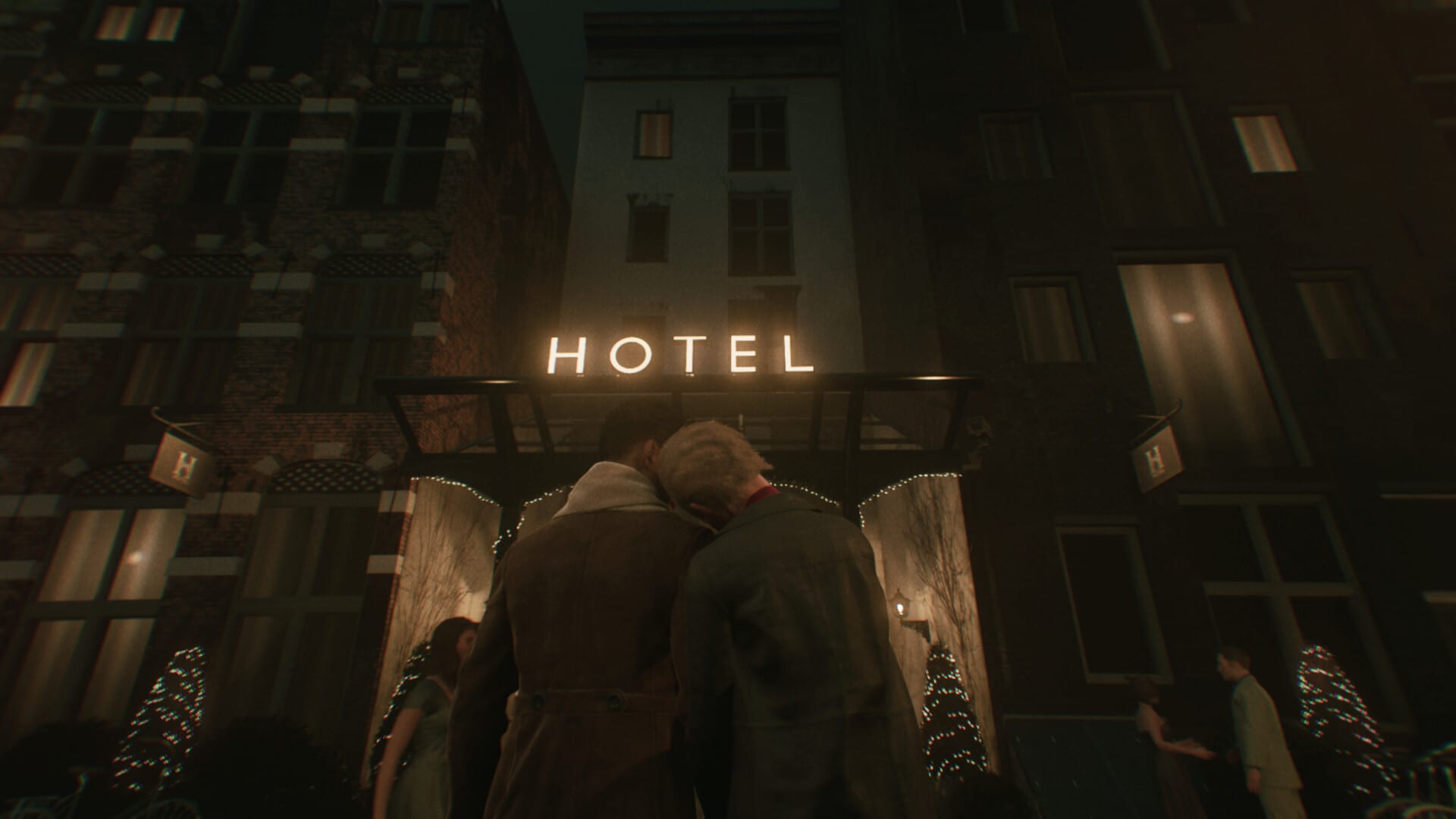
1666: Amsterdam is an Unreal Engine 5 title that requires hardware ray tracing and an SSD. That is not a marketing footnote. If your GPU cannot run RT with at least 8 GB of VRAM, the executable will not give you a secret low preset. This page is for players whose hardware meets the PC requirements but still hitch, smear, or crash into a black frame during canal nights.
Steam user reviews after 25 August 2026 repeatedly mention stuttering, long shader compiles, blurry faces when upscaling is too aggressive, and night scenes that tank when every reflection is left at maximum. Press coverage from PC Gamer and Game8 echoed the same hardware tax. Treat this article as a settings order of operations, not a promise that every card will look like the launch trailer.
Confirm the floor first
Official minimum specs list 64-bit Windows 10, 16 GB RAM, DirectX 12, 50 GB on an SSD, and a ray-tracing GPU in the RTX 2060 Super / RX 6600 / Arc A580 class. Recommended steps up to RTX 3080 Ti or RX 7700 class with 12 GB. If you are under those numbers, stop here and read system requirements. Tweaking shadows will not invent RT cores.
Install on an SSD. Long loads followed by a crash are a classic HDD symptom. After any store update, including the Crash Fixes notes that patched Codex tutorial and post-combat crashes, let the shader cache rebuild once. Closing the game mid-compile is how you get hitching on the next boot.
Upscaling before you nuke lighting
Amsterdam is built around reflected canal light. Cutting ray-traced lighting first usually looks worse than lowering extra shadows. Start with DLSS, FSR, or XeSS at Quality, then Balanced if you need frames. Netto’s Game Room and other launch notes recommended raising upscaling if faces smear — that is a resolution problem, not a missing makeup texture.
Keep hardware RT on. Drop screen-space extras, volumetric fog density, and distant foliage before you touch reflections that define the city’s mood. Internal resolution scaling is safer than a random “low” preset that also disables features the investigation loop uses to read gablestones at dusk.
Stutter, hitching, and the first hour
The first hour after install is often the worst. Unreal compiles shaders as you enter new streets. Play windowed or borderless while that happens if exclusive fullscreen fights your overlay. Disable Discord, NVIDIA, and Steam overlays if the image hitch-steps every time a toast appears. That is covered in more depth on troubleshooting.
If the frame time graph looks like a comb, cap FPS slightly below your refresh rate. VRR helps. A 144 Hz panel forcing 144 uncapped RT nights is a common self-own. 60 with a stable frame time is more readable in Esbat crowds than 90 that drops to 30 when Nominem fires.
Water glide, cat jumps, and input feel
Game8’s Early Access review called out sluggish movement and water-glide elevation sharing the right stick with the camera. That is a control mapping issue as much as a frame-rate issue. If camera and climb prompts feel late, check controls after you stabilize FPS. Cat jump prompts that fail to appear are a known polish complaint, not always a GPU problem.
A practical preset
- Latest Game Ready or Adrenalin driver, clean install if you just updated into a crash.
- DLSS/FSR/XeSS Quality, RT on, extra shadows down one step.
- Overlay off for a test session.
- Stay on SSD; verify files after a failed patch.
- Report remaining hitching on Discord with GPU, driver, and whether it happens only on Esbat nights.
When a future district update adds more boroughs, this page will note if Panache publishes official graphics notes. Until then, prefer stability over a trailer screenshot. The Esbat checklist does not help if the moon fight is a slideshow.
Frequently Asked Questions
Quick answers to the most common questions about 1666: Amsterdam.
Can I turn off ray tracing to gain FPS?
No. Hardware ray tracing is required. There is no raster-only path. If the game will not start, the GPU feature set is the problem, not a missing Low preset.
Should I use DLSS, FSR, or XeSS?
Use whatever your vendor supports. Start at Quality. If faces smear, raise internal resolution or drop to a slower upscaler mode before you disable canal reflections.
Why does the game hitch after a patch?
Shader compilation. Let the first session finish. Do not force-close during compiles. If hitching persists after a clean boot, verify files and see the troubleshooting page.
Does the Crash Fixes patch improve FPS?
The Steam Crash Fixes notes only list Codex tutorial and post-combat crash repairs. They are not a performance patch. Use this page for settings; use Discord for remaining engine bugs.