1666: Amsterdam Crashes, Black Screens, and Failed Launches
A launch-week checklist: official patch notes first, then the PC fixes that actually help Early Access.
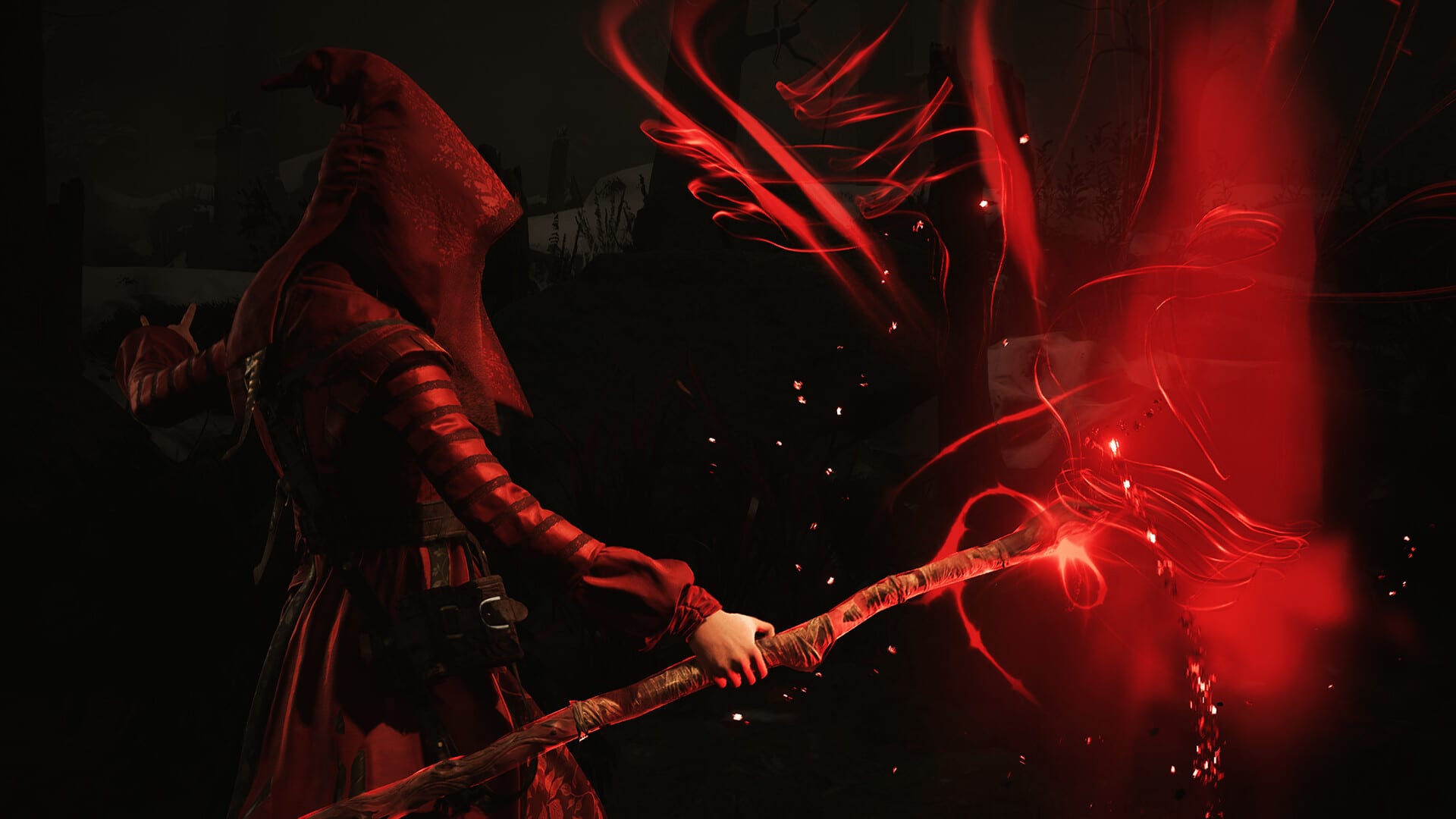
Early Access on 25 August 2026 brought the usual Unreal headaches: an executable that flashes in Task Manager and dies, a black frame with audio, a hang on the first load, or a kick to desktop after a street fight. This page separates what Panache already patched from the player-side checks that still apply.
Official Crash Fixes (Steam)
Steam published tagged patch notes titled Crash Fixes. The list is short and specific:
- A crash in the Codex tutorial section.
- A crash that sometimes occurred after combat.
Install the update from Steam or Epic, then verify files. If your crash was exactly those two beats, stop here and play. If you still die in the Codex or after a broom fight, say so on Discord with a save — the notes may not cover every hardware path.
The Early Access updates log also tracks Midnight Chronicle #06 (audio Devlog #3) and the rest of the pre-launch diary. Crash Fixes is a stability drop, not a new district.
Confirm hardware before you fight Windows
Hardware ray tracing and an SSD are mandatory. Borderline laptops that “look like a 4060” in a store listing still fail if they lack RT cores or 8 GB VRAM. Read PC requirements and performance settings before you spend an evening on Visual C++.
Player checklist (low risk first)
- Verify game files (Steam: Properties → Installed Files; Epic: Manage → Verify). Interrupted launch-week downloads are common.
- Repair Visual C++ 2015–2022 (x64 and x86) from Microsoft, then reboot. Instant-close after Play is a classic runtime miss.
- Disable overlays (Steam, Discord, GeForce Experience, Adrenalin, Afterburner). Black screens with audio often mean a hook into DX12.
- Try
-dx11or-windowedin Steam launch options if the image never appears. Treat DX11 as a diagnostic, not a forever setting — the game is built around DX12 and RT. - Reset config, not delete blindly. In
%LOCALAPPDATA%, look for Panache / 1666 folders. MoveGameUserSettings.iniaside if a graphics tweak made the game unbootable. Let the game regenerate defaults. - Clean GPU driver if the crash started the same day as an Adrenalin or Game Ready update.
- SSD, not HDD. Long load then crash is storage as often as it is Unreal.
PixelNitro and similar PC guides published the same order after launch. None of them replace an engine bug. If the process still vanishes after this list, collect CPU, GPU, driver version, Windows build, and whether it happens before the menu or after combat, then post on the official Discord.
Saves and checkpoints
Launch reviews (including Netto’s Game Room) noted a checkpoint-heavy save model. Aaron actions do not always trigger an autosave. If you crash after combat, you may lose a few minutes even after Crash Fixes. Return to the safehouse when you can; it is a reliable autosave beat. There is no public manual-save slot in the Early Access FAQ this wiki has seen.
What this wiki will not invent
We will not invent a numbered “Patch 1.0.3” if Steam did not publish one. We will not claim Crash Fixes solved cat pathing, water-glide camera, or Coffer loss on Esbat death. Those remain design or polish items. Track them on press impressions and Discord, not as fake patch notes.
If you play on Epic, the same Crash Fixes should arrive as a store update; the Steam news post is the canonical wording of the two bullets. Overlay fights are worse in exclusive fullscreen on multi-monitor desks — test on the primary display only before you blame Unreal. Controllers, VR dongles, and exotic USB devices have been named in generic Unreal launch guides as extra variables; unplug them for one boot if the exe dies during device init.
New players should still start at Getting Started. This page is for when the game will not stay open long enough to hunt.
Frequently Asked Questions
Quick answers to the most common questions about 1666: Amsterdam.
Did Panache publish a crash patch after launch?
Yes. Steam’s Crash Fixes notes cover a Codex tutorial crash and a crash that sometimes happened after combat. Install the store update and verify files.
The game still black-screens. What next?
Overlays off, try windowed or -dx11 as a test, then reset GameUserSettings.ini. If hardware RT is missing, no launch option will invent it. See performance settings for GPU floors.
Should I reinstall Windows?
Not as a first step. Verify files, repair Visual C++, and test overlays first. Early Access can still crash on a healthy PC. Report with specs rather than wiping the OS.
Does verifying files delete my save?
Steam verification replaces damaged game files, not your save folder. Still copy your save before major content drops. Autosaves cluster around day starts and the safehouse.